Cypress Testing: A Guide From a Team Running E2E in Production
Tutorials stop at the first passing test. The work starts after that: tests that fail one run in three for no reason, screenshots nobody compares, a suite that logs in fifty times. Here is what we learned industrialising all of it.

Aug 17, 2026
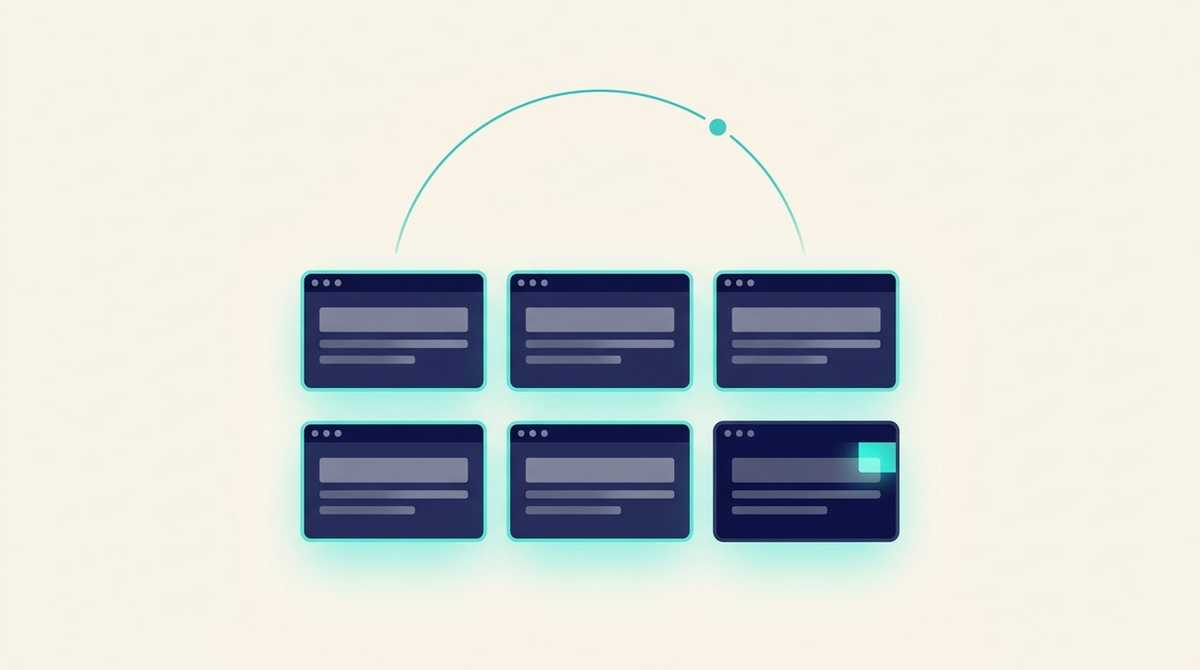
Most articles about Cypress stop in the same place: install it, write a passing test, screenshot the UI. That's useful and badly incomplete, because the real work starts afterwards. A test that passes on your machine tells you nothing about what happens when the suite runs unattended, against a shared environment, at three in the morning.
We run end-to-end tests continuously across six applications: one configuration, one container image, one scheduled job per application, executed against each one's staging environment. We started with a hand-rolled harness written in Go, then moved to Playwright. This article covers what Cypress is, how it honestly compares, and above all the five things we wish we had known first.
Contents
- What is Cypress in testing?
- Is Cypress better than Selenium?
- Cypress or Playwright: why we chose Playwright
- Is Cypress testing easy to learn?
- The five traps of industrialising E2E
- Running tests on a clock, not just in CI
- When Cypress is the right choice
What is Cypress in testing?
Cypress is an end-to-end testing tool for web applications. It drives a real browser and checks what a user actually sees: a form that submits, a price that renders correctly, a redirect that lands where it should.
The difference from earlier generations comes down to one thing: automatic waiting. A Cypress test looking for a button waits for that button to exist and be clickable, within a timeout, instead of failing instantly because the page hasn't finished loading. That sounds like a detail. It is in fact what removes the main cause of random failures — the ones that lead a team to start ignoring its own test suite.
A test looks like this, and the readability is a genuine argument in its favour:
it('applies the volume discount at the right threshold', () => {
  cy.visit('/quote/new')
  cy.get('[data-testid="quantity"]').type('250')
  cy.contains('Discount applied').should('be.visible')
  cy.get('[data-testid="total"]').should('contain', '1,875')
})
Is Cypress better than Selenium?
For a modern web application, usually yes, and for a precise technical reason.
Selenium drives the browser from the outside, over a protocol. It sends a command, waits for a response, and has no idea what the page is doing in between. That's why Selenium suites fill up with manual sleeps — the sleep(2) everyone has written once and nobody defends.
Cypress executes inside the page's context. It knows when the DOM changes and when it has settled. The measurable result is the random-failure rate.
Selenium keeps two advantages worth acknowledging: wider browser and language coverage, and the weight of what already exists. If your team maintains four hundred working Selenium tests, the right technical call is not to rewrite them.
Cypress or Playwright: why we chose Playwright
Here's the part where we have to be straight with you, because you searched for Cypress and we don't use Cypress on our own fleet.
Both tools share the essential idea, automatic waiting, and Cypress remains a very good choice. Three differences decided it in our case, and they only show up once you go past a single application.
Several applications in one configuration. Playwright lets you declare each application as its own "project", with its own test directory and base URL. Our six applications therefore live in one repository, one container image, one command. Adding an application means adding a folder, not a repository and a deployment pipeline.
Built-in visual comparison. Playwright compares a screenshot against a baseline and fails when the difference exceeds a threshold you set. Before that we produced screenshots nobody ever looked at, which is an expensive way of pretending.
Getting out of the hand-rolled harness. Our first generation of tests was written in Go with chromedp, driven manually. It spent most of its time fighting a class of flakiness that Playwright's automatic waiting simply removed. That's not a criticism of chromedp; it's the observation that writing your own waiting logic is a project in itself.
On a single application, with a team that already knows Cypress, the difference does not justify a migration. We say that because it's true, not out of caution.
Is Cypress testing easy to learn?
Yes for the first test, and that ease is a trap.
The syntax is readable, the documentation is good, a developer who knows JavaScript writes their first test within an hour. What takes experience comes afterwards: authentication, data isolation, visual tolerance, unattended execution. That's exactly the next section, and it's where projects fail — not on syntax.
The five traps of industrialising E2E
These five come from our actual configuration. They apply to Cypress as much as Playwright, because they are operational problems rather than tool problems.
1. Parallelism breaks your data before it breaks your tests. Parallel execution is the first setting people reach for to save time, and it's often a mistake. Our tests create rows in a shared staging database: two simultaneous tests trip over each other and fail for reasons unrelated to the code under test. So we run with a single worker by default, and parallelism is a decision made per application, once we've confirmed its data can take it.
2. A forgotten .only silently shrinks your coverage. During development you isolate a test to move fast. If that marker reaches CI, the suite raises no error at all: it runs one test, goes green, and you believe you verified six applications. Both Playwright and Cypress can forbid that marker in CI. It's one line of configuration and it prevents a false sense of safety, which is worse than having no tests.
3. Zero-tolerance visual comparison fails constantly. Anti-aliasing and font rendering differ between machines. A screenshot taken on a macOS laptop will never be pixel-identical to one taken in a Linux container. We allow a 2% pixel difference before declaring a failure, and we capture baselines on the canonical container image rather than on anyone's machine.
4. Logging in on every test is expensive and trips rate limits. The temptation is to put login in a step that runs before each test. Across fifty tests that's fifty logins, pointless slowness, and sometimes a block from your own application's abuse protection. The right shape is to log in once per role, save the session state, and reuse it across the tests.
5. Screenshots only matter if they leave the container. A scheduled run inside a container produces artefacts that die with the container. You have to decide where they go. We capture an image for every test, passing or failing, because the screenshot is half the point of the exercise, and we keep execution traces only for failures, because they're heavy.
Running tests on a clock, not just in CI
This is the most underused application of end-to-end tests, and almost nobody writes about it.
An E2E suite triggered by a code change answers "did I break something". An E2E suite triggered by a clock answers a different and often more useful question: "did something break without anyone touching it". An expired certificate, an external dependency changing behaviour, a migration applied by hand on a Friday evening, a quota reached.
We run ours as a scheduled job on Kubernetes, one per application, pointed at that application's staging environment. The result is as much synthetic monitoring as testing: the screenshots and the report outlive the run, and a human can open them the next morning.
The setup cost is low once the suite exists. It's the same container with a different trigger.
When Cypress is the right choice
We'd rather say this plainly than close by recommending our own tool.
Cypress is the right choice if you're testing one web application, your team writes JavaScript, and you want the best debugging experience available: its interactive mode, which replays a test step by step in the browser, is still more pleasant than its competitors'.
Playwright becomes the right choice as soon as you have several applications to cover in one setup, a genuine need to test on WebKit, or the intention to do serious visual comparison.
Neither is the right choice if you don't yet have unit and integration tests. E2E tests are the slowest and most fragile: they cover the journeys whose failure costs money, not business logic line by line. Starting at the top of the pyramid gives you a slow suite that fails often, and a team that learns to ignore it.
If you have an application in production with no test safety net, the real question isn't which tool: it's knowing which journeys cost you money when they break. That's the first deliverable of our code audit, and it's also what we put in place when we take over an application whose limits nobody knows any more.