We Deleted the Approve Button, and the AI Editor Got Safer
A confirm prompt is not a feedback loop. It asks a human to predict the result of an edit they cannot see. Here is what replaced it, and the day we found out the agent had been working blind the whole time.

Sep 15, 2026
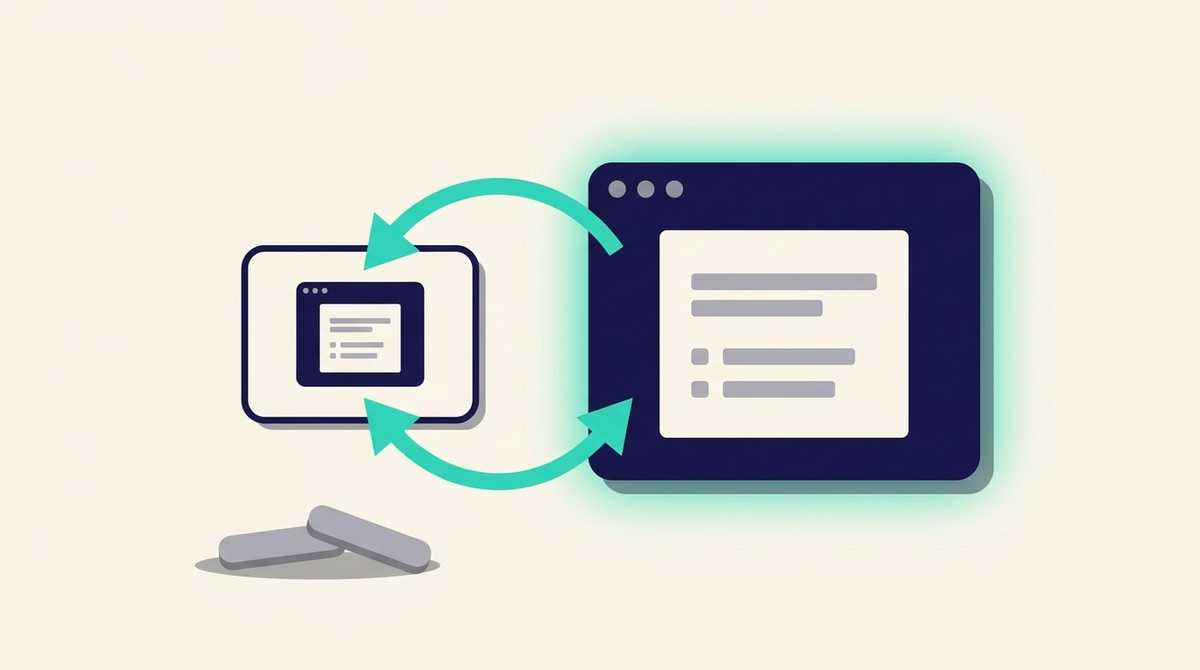
An AI agent edits our client's wine list from a French sentence. "Move the Loire whites into their own section, and make the section headers smaller." It calls tools, the edits land, the page changes.
For about a month it also shipped broken CSS on a regular basis, and nobody could work out why a capable model kept making crude visual mistakes.
The answer turned out to be embarrassing and entirely our fault. The agent had never seen the page. Its inspection tool returned the rendered HTML as text, so an extra border, a background that did not take, a font that silently failed to load and a line that wrapped badly were all invisible to it. It was editing a visual artifact through a keyhole and describing the result confidently.
That bug is the short version of everything below, which is about what an AI agent actually needs after it writes, and why the thing most teams build first — an approve-before-apply gate — is often the wrong tool.
This is the companion to the authorization piece. Authorization decides whether a call is allowed. None of it tells anybody what the model just did.
Contents
- The approve button we deleted
- What replaced it: three levels of feedback
- Where a dry-run still earns its place
- Two things that bit us
- Which shape for which system
The approve button we deleted
The first design was the obvious one, and we built it because it is what everybody builds.
The agent read the instruction and proposed a list of operations. The application validated them, rendered a diff, and showed the operator an aperçu with Validate and Reject. Nothing touched the live document until a human clicked.
On paper it is unarguable. In use it failed for a reason that only shows up with a real operator in front of it: the person could not tell what they were approving.
The diff said things like set_section_filter(section: "Blancs", conditions: [region=Loire], exclusive: true). To approve that honestly you have to predict what the printed card will look like afterwards. Nobody can do that. So the operator did what anyone does with a gate they cannot evaluate: clicked Validate, looked at the result, and fixed it if it was wrong.
Which is a feedback loop with an extra click in front of it, and a misleading one, because the click implies a review that did not happen.
So in July we deleted it. The agent now carries the instruction to completion, applying each edit live, and the console shows a confirmation of what it did rather than a prompt asking permission. The commit that did it says the safety net is undo and the revision panel, not a pre-apply preview. Removing the approve step made the system safer, because it moved the human's attention from a prediction they could not make to a result they could see.
What replaced it: three levels of feedback
Each of these was added because something specific broke without it.
What an agent needs after it writes
- 1
The write tells you what it changed — Setters return the affected value, not an acknowledgement. Setting a palette echoes the resolved palette back. Before that, every write needed a follow-up read to confirm, which the agent frequently skipped and then reasoned from a stale picture.
- 2
The agent can see the result — The inspection tool renders the working draft to a real PNG screenshot, and the model looks at it. Text output is not feedback for a visual artifact. This is the fix for the blindness above, and the same model immediately started catching its own layout faults.
- 3
One step can be undone — Undo and redo exist as tools the agent can call. They existed for a year as buttons in the console, but over the tool surface the agent's only recovery was a full reset, which is nuclear and which it therefore avoided using.
The third one is worth dwelling on, because it is the most commonly missed. A capability that exists in your admin UI does not exist for the agent. We had a perfectly good per-edit revision stack, and from the agent's side the choice was live with the mistake or throw the whole document away. Faced with that, it lived with the mistake. Exposing a one-step undo is what makes a see-and-self-correct loop possible at all: an agent that can look at its work but cannot reverse one step of it will rationalise what it sees.
Together those three turn the agent from something that fires instructions into the dark into something that writes, looks, and corrects. The instruction to do exactly that is now part of the tool documentation the model reads: look before publishing, compare against the reference, fix.
Where a dry-run still earns its place
We did not abolish the preview. We narrowed it to the two operations where the blast radius is genuinely invisible from the arguments.
Both are bulk membership filters — the ones that decide which bottles appear in which section across the whole card. A filter that reads perfectly sensibly as a sentence can empty a section, or pull a hundred bottles into one. Nothing in the call tells you which. So those two, and only those two, take a dryRun flag that returns the resulting wine count without applying anything.
That is the rule we would now apply generally: dry-run the operations whose consequences you cannot infer from the arguments, and not the others. Putting a confirm on everything trains the operator to click through, which costs you the gate precisely where it mattered.
Two things that bit us
An ambiguous tool description is a bug. The inspection tool rendered the unpublished draft, and its description called it "the exact page a publish would serve". Accurate, and read by the agent as "the same as what is live right now". So when the draft differed from the live page, the agent concluded the live page was broken and set about fixing a page that was fine. The fix was to relabel it explicitly as the draft and add an argument to render the live version, so the agent could diff the two deliberately. Your tool descriptions are prompt, and an imprecise one produces confidently wrong behaviour that looks like a model failure.
Do not route bytes through the model. Two tools accepted a logo or a font inline as base64, which invited the model to paste a real file. A model cannot reliably emit a large base64 blob: it takes minutes and arrives corrupted, and the agent then failed with a bare "not valid base64" after a long hang. We capped inline uploads at 24KB, enough for a tiny icon, and made the oversize error point at the console's upload page — a human step that does not route the bytes through the model at all. When a task is a bad fit for a token stream, the right tool design is a clear handoff to the surface that does it properly.
Which shape for which system
Both patterns are correct. They fit different objects.
Dry-run and confirm fits discrete business records: a contact, a deal, an invoice line. The object is small, the human reads it in full in the preview, and the approval is a real decision. Our CRM works this way, the write tool returns the object it would create, and the confirm step is what stops a hallucinated write from ever landing. We covered that design in what separates an MCP demo from production.
Write, observe, undo fits an artifact someone is shaping over many edits, where the value of any single change is only visible in the whole. A wine list, a page layout, a document. Here a confirm gate asks for a prediction rather than a judgement, and an undo answers the same question honestly.
The test we use now: can the operator tell, from the preview alone, whether they want this? If yes, gate it. If no, the gate is theatre, and the engineering belongs in making the result visible and the change reversible instead.
This came out of the interactive wine list we build and run for GoStan, a Bordeaux cellar-management company whose clients are restaurants and wine bars. Natural-language editing of the card is the feature their sommeliers actually use, which is why the write loop got this much attention.
If you are putting an AI agent in front of a system that writes, that question — what happens after the write — is the one we would want to talk through first: what we build, or tell us what you are running.