Custom Software for Small Business: Is It Worth It, and What Does It Cost?
I build custom software, so I am not neutral on this. Here is why I think most small businesses can now use it, the signs it fits and the signs it does not, the full cost including infrastructure and maintenance, and how to start without betting the company on it.

Oct 10, 2026
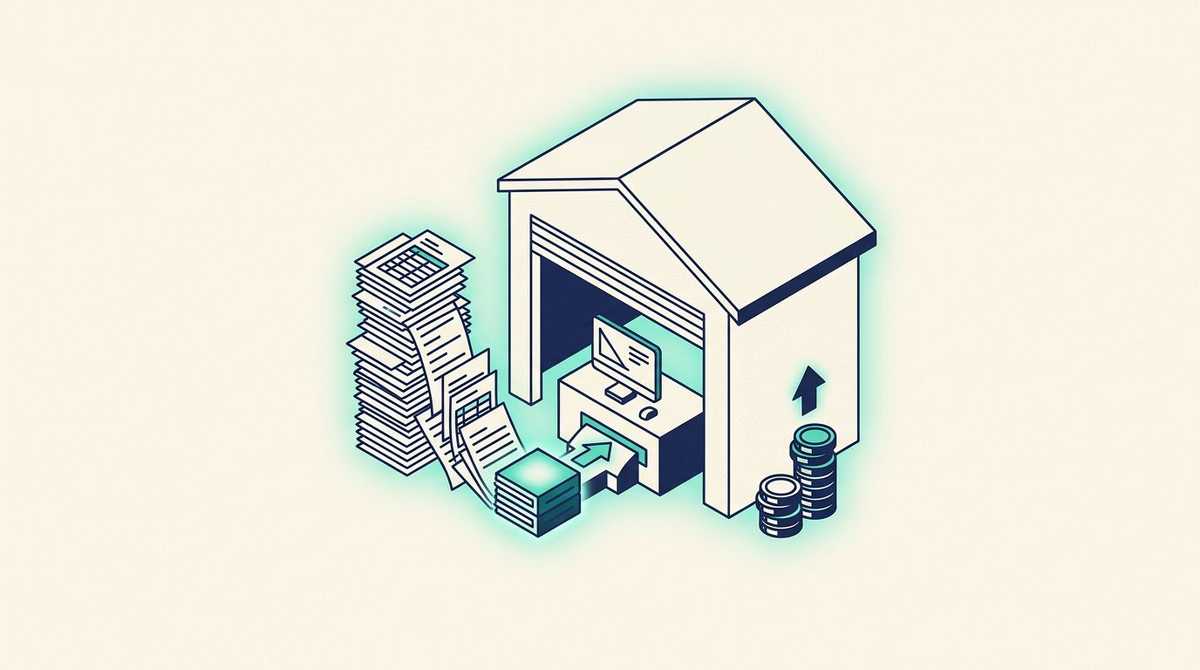
Let me be upfront: I build custom software for a living, so I am not neutral on this question. But I would not do it if I did not believe this: most small businesses can now use custom software, and the reason is the thing that used to rule it out. Their processes are too specific.
The Excel file that runs your quotes, your shipping or your pricing exists because no product fits the way you actually work. For years, the only alternative to that spreadsheet was a project too expensive for a small business. AI-assisted development has changed the arithmetic. It still has to be done right, it still costs money to run, and it is still the wrong answer in some cases. This guide covers all three: the signs on both sides, the full cost in dollars, how it compares with buying a product, and how to start small enough that a mistake does not hurt.
Contents
- What is custom software for a small business?
- Is custom software worth it for a small business?
- How much does custom software cost for a small business?
- Custom software vs off-the-shelf for a small team
- A real example: the shipping workbook
- How to start without betting the business
What is custom software for a small business?
Custom software is an application built for one company and its way of working, instead of a product built for thousands of companies that you adapt yourself to. For a small business it is rarely a big system. It is usually one tool for the one process the business depends on: quoting, pricing, orders, scheduling, shipping, job tracking.
In practice, small businesses almost never start from nothing. They start from a spreadsheet that has quietly become the most important file in the company, the one that only one person dares to edit and that breaks when two people open it at once.
Is custom software worth it for a small business?
It is worth it when all three of these are true:
- One process runs the business, and it has rules that matter: prices that depend on quantities, approvals above a threshold, documents that must match what was sold.
- No off-the-shelf tool fits it without workarounds. You have tried, or you are paying for two or three products and still moving data between them by hand.
- The current tool is costing you real money: hours every week spent re-checking, or errors that reach customers, such as a wrong price on a quote or a package shipped without the paperwork.
It is not worth it when:
- A mature product already fits. Accounting, payroll, email, a standard CRM: buy them. Building your own is paying more for less.
- The process is still changing every month. Software freezes a process. Until you know how you want to work, a spreadsheet is the right tool.
- The process serves one person and nothing serious happens when it goes wrong.
A useful test: if you can describe the process in one sentence, and the description contains the word "except", custom software is probably worth a conversation. Exceptions are exactly what off-the-shelf tools handle badly and spreadsheets handle dangerously.
How much does custom software cost for a small business?
These are the ranges we work to, in US dollars. Most firms do not publish them.
| Scope | Indicative budget | What you get |
|---|---|---|
| First useful slice (one process) | $5,000 to $18,000 | One complete process replaced and running in production, with your real data |
| Complete business application | $18,000 to $45,000 | Several processes, roles and permissions, data migration, integrations with your accounting or CRM |
| Infrastructure | about $50 to $100 per month | The servers, database and backups it runs on, on your own premises or hosted. More for heavy data or AI workloads |
| Maintenance | from about $470 per month | Security patches, dependency upgrades, monitoring, fixes and a monthly allocation of changes |
What moves the price, in order of impact:
- The number of exceptions in the process, far more than the number of screens.
- Data migration out of spreadsheets, which is almost always underestimated.
- Integrations with the tools you keep, such as accounting, email, or a carrier's system.
The last two lines are the ones most quotes leave out, and they are not optional. Software is not finished when it ships: dependencies age, and AI has made vulnerability discovery so fast that we now patch security issues every week rather than once a year. A custom tool nobody maintains becomes the next legacy system, so price the next three years, not the first three months.
Two honest caveats. These are indicative figures that get confirmed after a short scoping. And AI-assisted development has genuinely reduced what this costs in the last few years, which is what puts it within reach of a small business at all.
Custom software vs off-the-shelf for a small team
The useful question is not which is better. It is which one your process can live inside without expensive workarounds.
| Off-the-shelf | Custom | |
|---|---|---|
| Upfront cost | Low: sign up today | Higher: you pay for the build first |
| Ongoing cost | Per seat, forever, plus paid add-ons | Hosting and support; extra users cost nothing |
| Fit | You adapt to the product | The product follows your process, exceptions included |
| Your data | In the vendor's account, on their terms | Where you choose |
| When you outgrow it | Migrate to another product | Change the software |
A rule of thumb from the projects we see: if you pay for three tools and still copy data between them by hand every week, the arithmetic has usually already tipped toward building one.
A real example: the shipping workbook
A California company that sells, installs and services industrial manufacturing equipment ran all of its shipping from one shared Excel workbook. Every shipment started as a copy of a form tab. Someone filled in the customer, the machine, the fault and the contents of the box, then printed two documents from two ranges on the same sheet.
Nothing was enforced. A package could be marked shipped without a tracking number, a request could go out without written authorization, and freight figures were worked out by hand from a printed table every time.
We treated the workbook as the specification and turned it into a web platform:
- Pick a customer and the address, contact and carrier account fill in on their own.
- One record prints both documents: the internal service report and the packing slip that goes in the box.
- The workflow enforces the rules the spreadsheet could only hope for: no tracking number, no "shipped".
- The team signs in with their existing Microsoft accounts, and a Slack message lands when a request is submitted.
Because the workbook already described the process precisely, the first version reached production the day after we received the file, and the team has used it every day since. That speed is not typical; it was possible because the spreadsheet had been doing the specification work for years. It is also why we tell small businesses that their messy spreadsheet is an asset, not an embarrassment. The full story is in the case study.
How to start without betting the business
The risk for a small business is not that custom software fails. It is committing a large budget to a big specification before anyone has seen the software work. So:
- Start with one process. The one that hurts most, replaced completely and running in production, not a prototype. If that first slice does not pay for itself, stop there.
- Use your spreadsheet as the specification. Its columns, formulas and workarounds are a precise description of how the business actually works.
- Own the code from day one, in the contract: the source code, the infrastructure configuration and the documentation. Then you are never locked in.
- Ask who runs it after launch, and what that costs per month, before you sign. A small business rarely has someone to run servers, and the answer belongs in the quote.
- Ask what they would talk you out of. A developer who says yes to every feature has no opinion worth paying for.
If you are a US company and the idea of a team in France gives you pause, this page covers working hours, contracts and pricing in dollars.